Kidboard Lean
A simple and fun educational game designed for young children to learn letters, words, and different categories through keyboard interaction.
🔤 How to Play
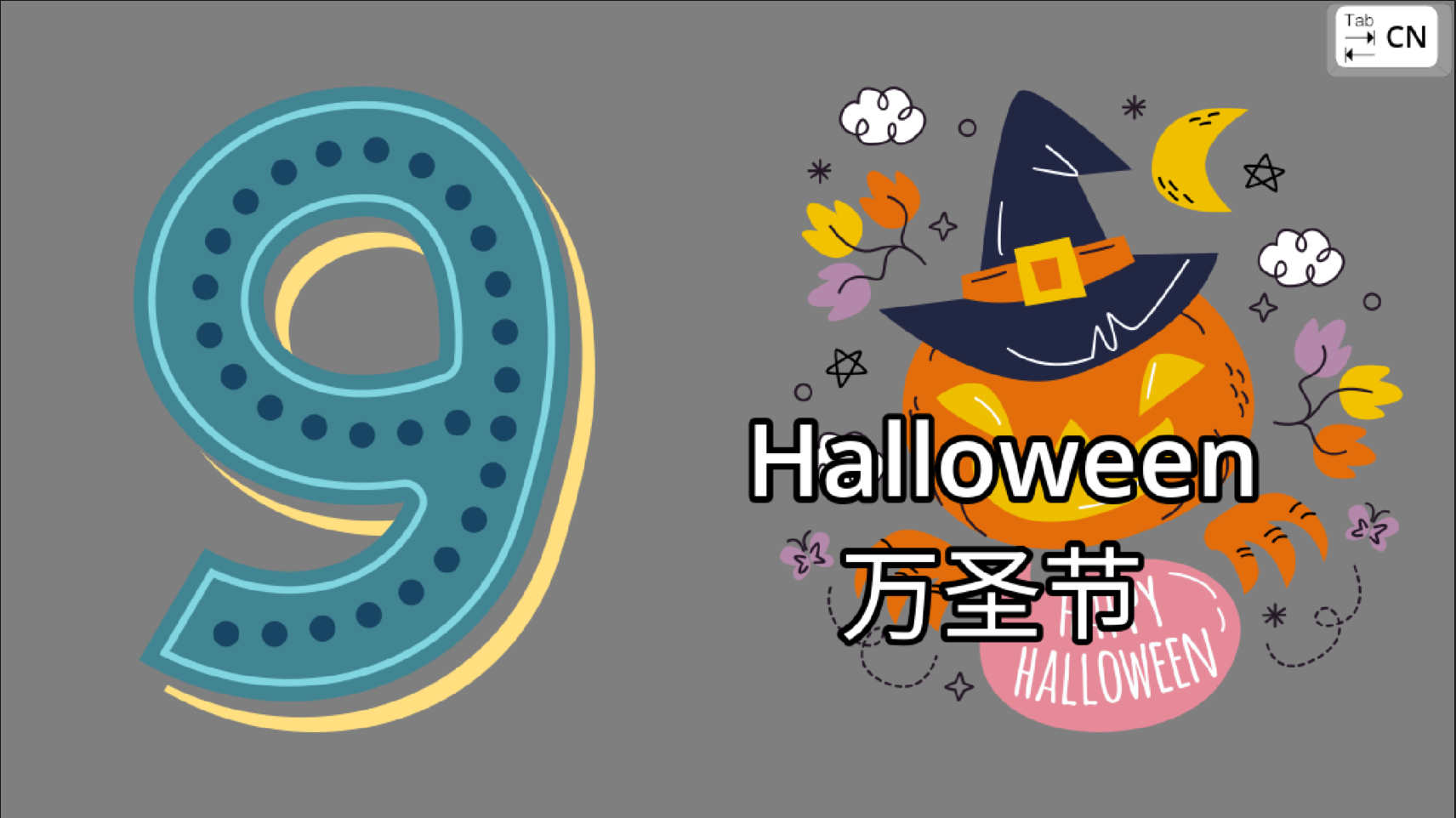
Choose a category by pressing a number key:
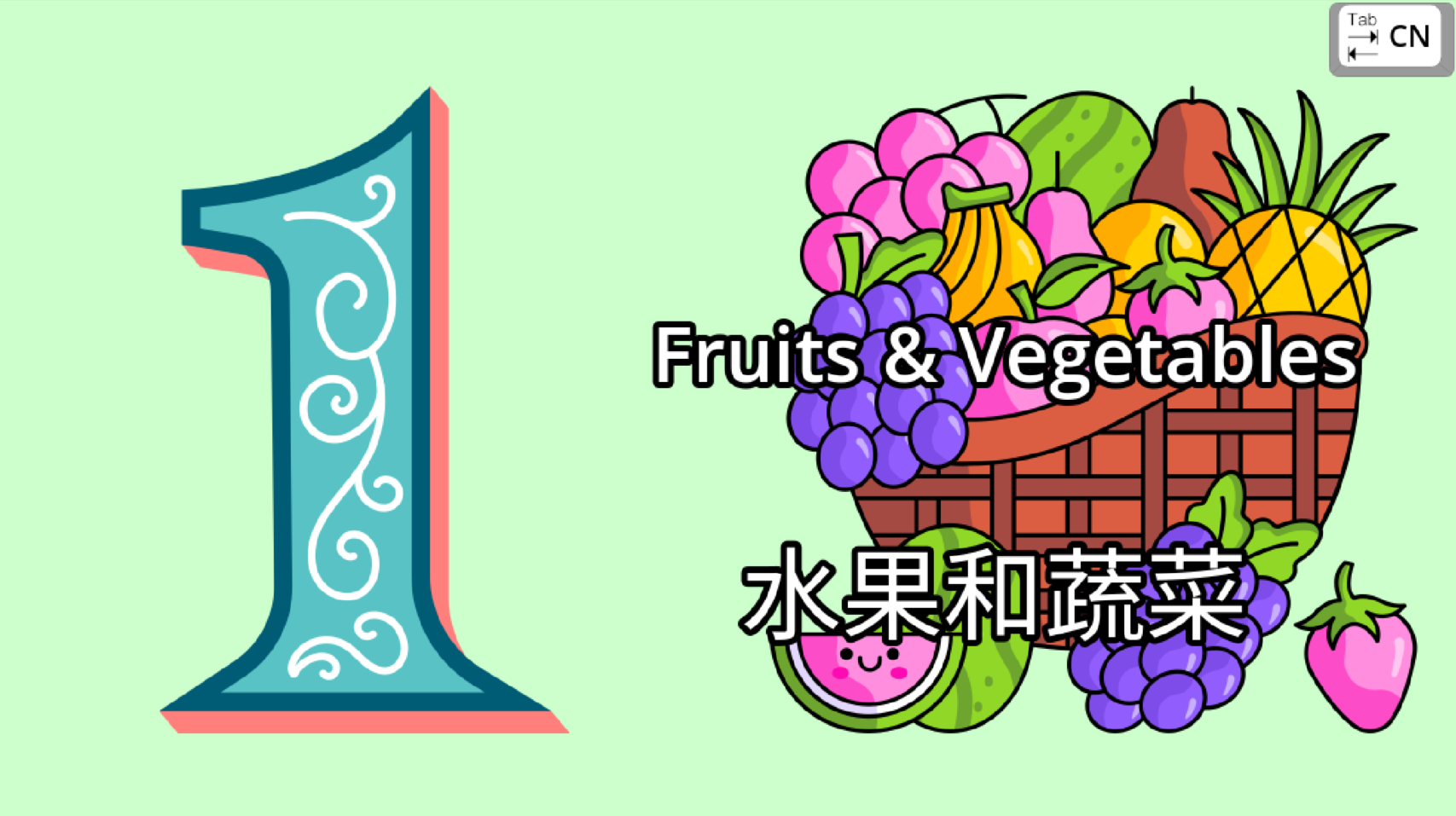
1️⃣ Fruit & Vegetables 🍎🥕
2️⃣ Animals 🐶🐱
4 ...
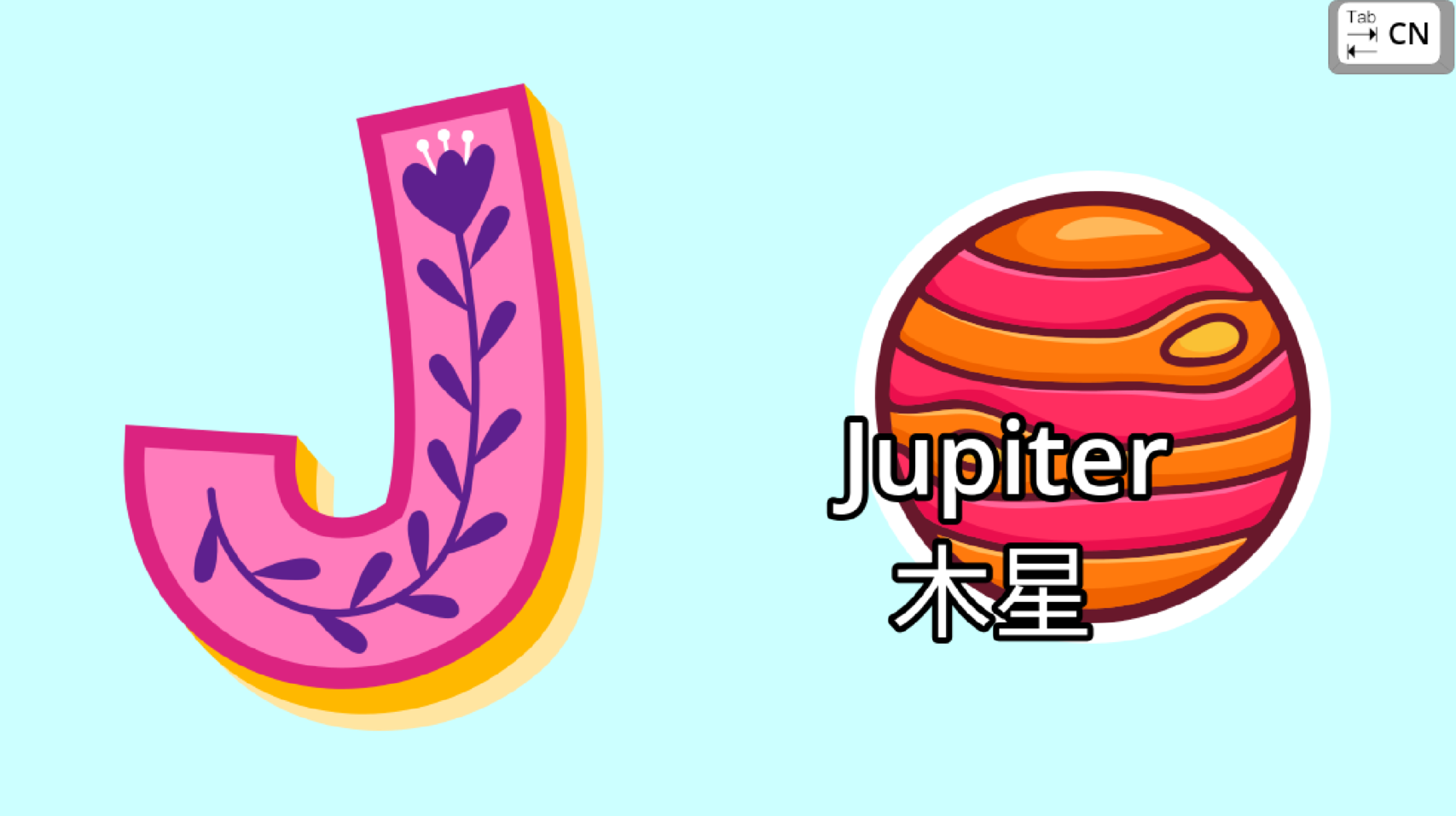
Then press a letter on the keyboard, such as A, B, C, and the game will show a word that starts with that letter.
For example:
A → Apple 🍎
B → Banana 🍌
C → Carrot 🥕
🔊 The game can also read the letter or word aloud, helping children connect letters, sounds, and words.
👧🧒 Designed for Young Learners
Simple controls, colorful visuals, and easy-to-understand gameplay make it suitable for young children who are beginning to learn English letters and vocabulary.
Press a key → See a word → Hear the word → Learn! 🎉
Have fun learning! 🌈
Leave a comment
Log in with itch.io to leave a comment.